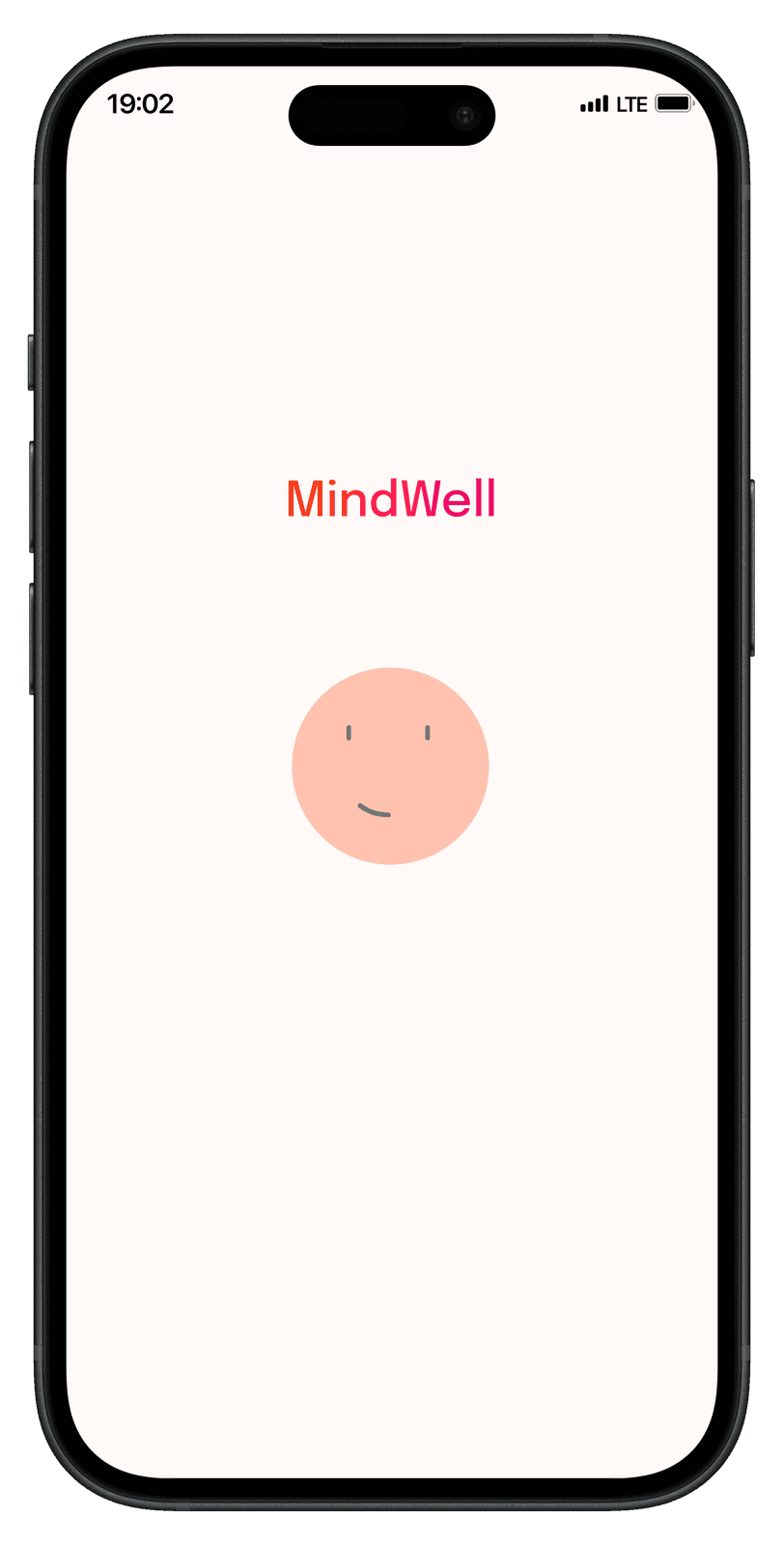
MindWell: Making mental wellness feel approachable, one step at a time.
- Role
- Freelance UX/UI Designer (sole designer)
- Scope
- End-to-end mobile experience
- Platform
- iOS & Android
- Stage
- 0→1 · Shipped
Project at a glance
Problem
Building a mental wellness habit takes more than access to content. Users need to know where to begin, what to do next, and how each activity contributes to their journey.
Solution
An end-to-end mobile experience — personalised onboarding, a daily dashboard, educational video modules, assessments, and supporting resources.
Impact
Progressed from concept to a privately launched app used by a licensed psychologist with their patients, with one consistent interface across every feature.
- End-to-end mobile product
- 0→1
- Core flows: onboarding, assessments, learning, progress
- 4
- Used in real patient care
- Live
01 — Overview
Building a more approachable path to mental wellness
MindWell is a mobile wellness app built for a small startup to help people form healthier mental wellness habits through guided learning, self-reflection, and progress tracking.
As the sole Product Designer, I owned the end-to-end experience — information architecture, interface copy, onboarding, educational modules, assessments, and progress tracking. A licensed psychologist provided the lesson content; my job was to translate that expertise into a cohesive, patient-facing product.
Users
Patients building a routine
People new to structured wellness practice, using the app between sessions.
Partner
Licensed psychologist
Owned clinical lesson content. I designed how it’s experienced.
My ownership
IA, flows, UX writing, UI
Every screen, pattern, and interaction from first sketch to shipped build.
My focus
Make a potentially overwhelming topic feel manageable through clear navigation, bite-sized content, and a supportive visual experience.
02 — The challenge
Not designing screens — connecting a journey
How might we
How might we help users begin and maintain a wellness routine without making it feel like another task?
First-time use
A clear beginning
Introduce the product without overwhelming first-time users.
Content clarity
Actionable steps
Organise content into understandable steps that show progress and the next activity.
Calm & usable
A supportive environment
Feel calm and reassuring without sacrificing usability.
The real challenge wasn’t designing individual screens. It was connecting onboarding, education, and progress into one continuous experience — so users never had to wonder where they were or what came next.
03 — Approach
Designing around clarity, continuity, and control
I treated the product as a connected journey rather than a collection of features, mapping how someone moves from first opening the app to completing their daily activities.
- Onboarding
- Home
- Learning modules
- Assessments
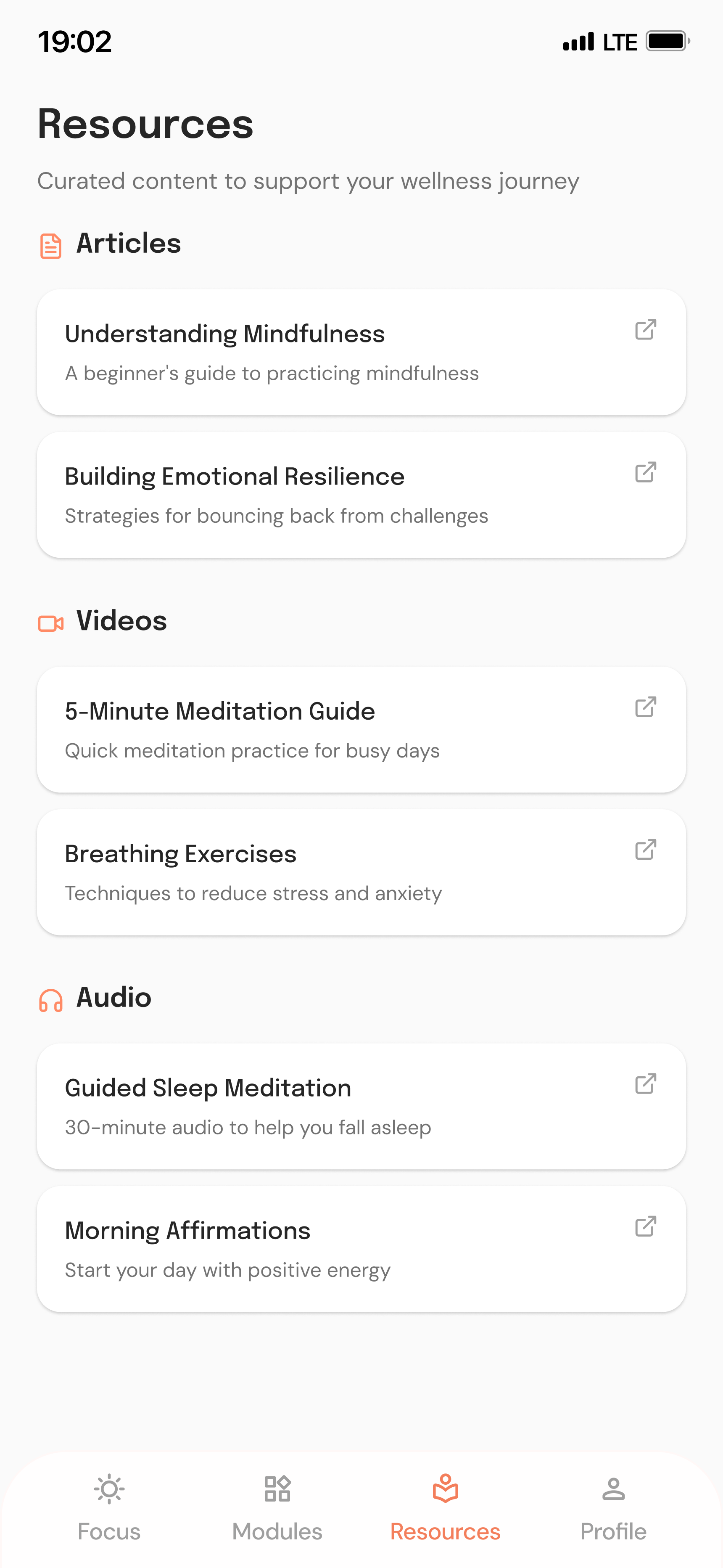
- Resources
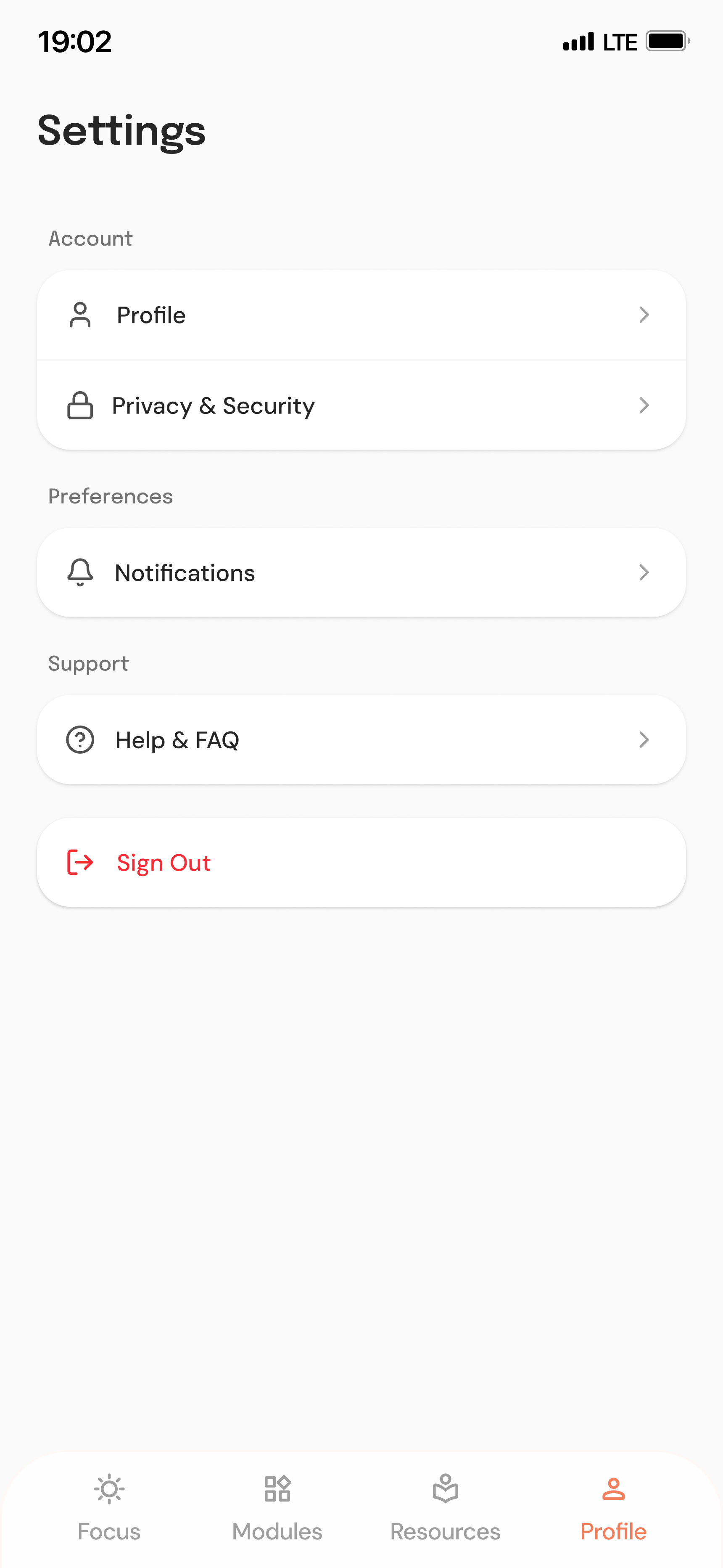
- Settings
- 1
Make the first step easy
Introduce the experience progressively, with short explanations and clear actions.
- 2
Make progress understandable
One central place to see activity, recognise progress, and continue the journey.
- 3
Keep users in control
Move freely between lessons, assessments, resources, and settings — no rigid single path.
These principles shaped the information architecture, screen hierarchy, navigation, and interaction patterns.
04 — Key decisions
Four decisions that shaped the experience
- D01
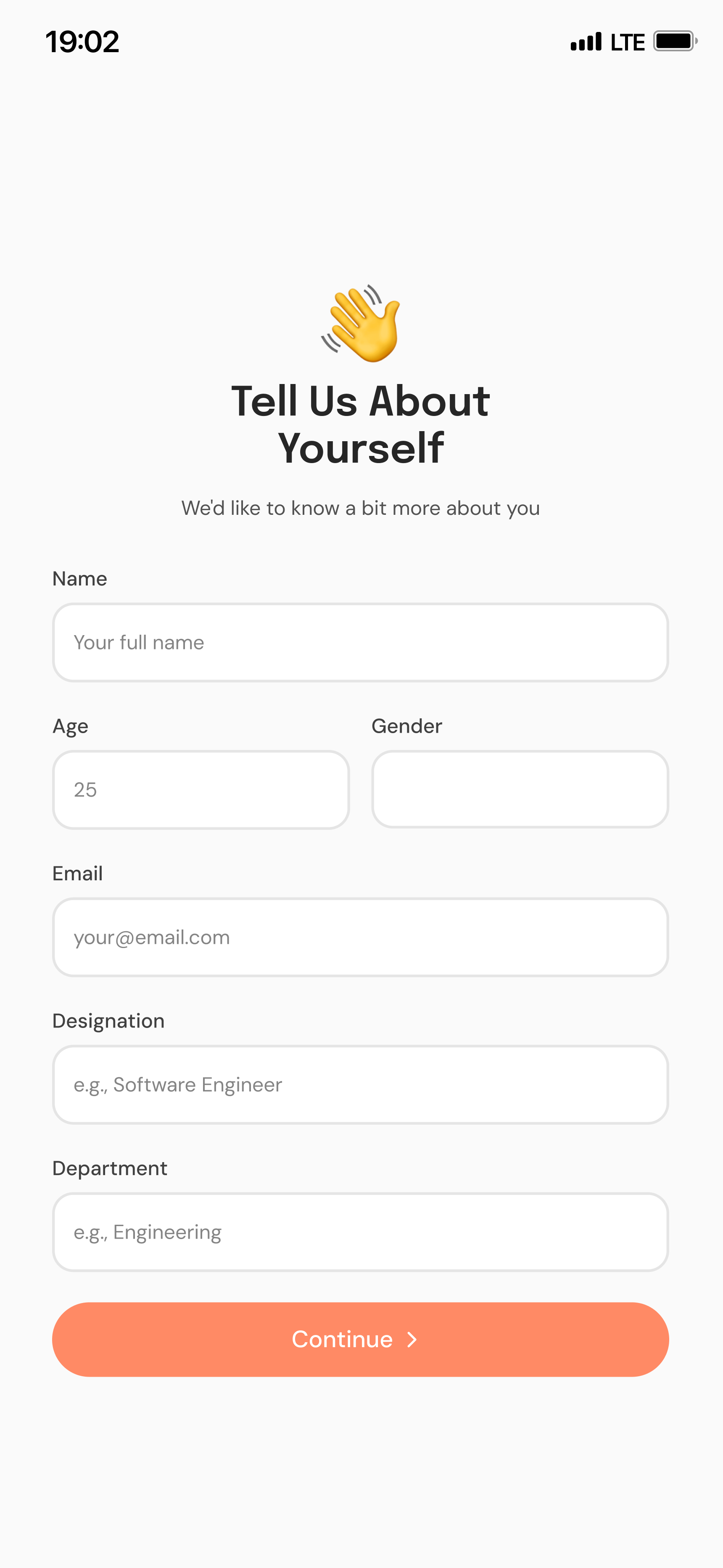
Onboarding as a guided introduction
- Problem
- Showing every feature at once leaves new users unsure what the app is for.
- Decision
- A short, structured flow combining account setup with explanations of the journey, progress tracking, content, and assessments.
- Why it matters
- Users get context before entering the product, reducing uncertainty about how to start.
- D02
Home is for continuing, not exploring
- Problem
- Users had to visit multiple sections just to understand their status.
- Decision
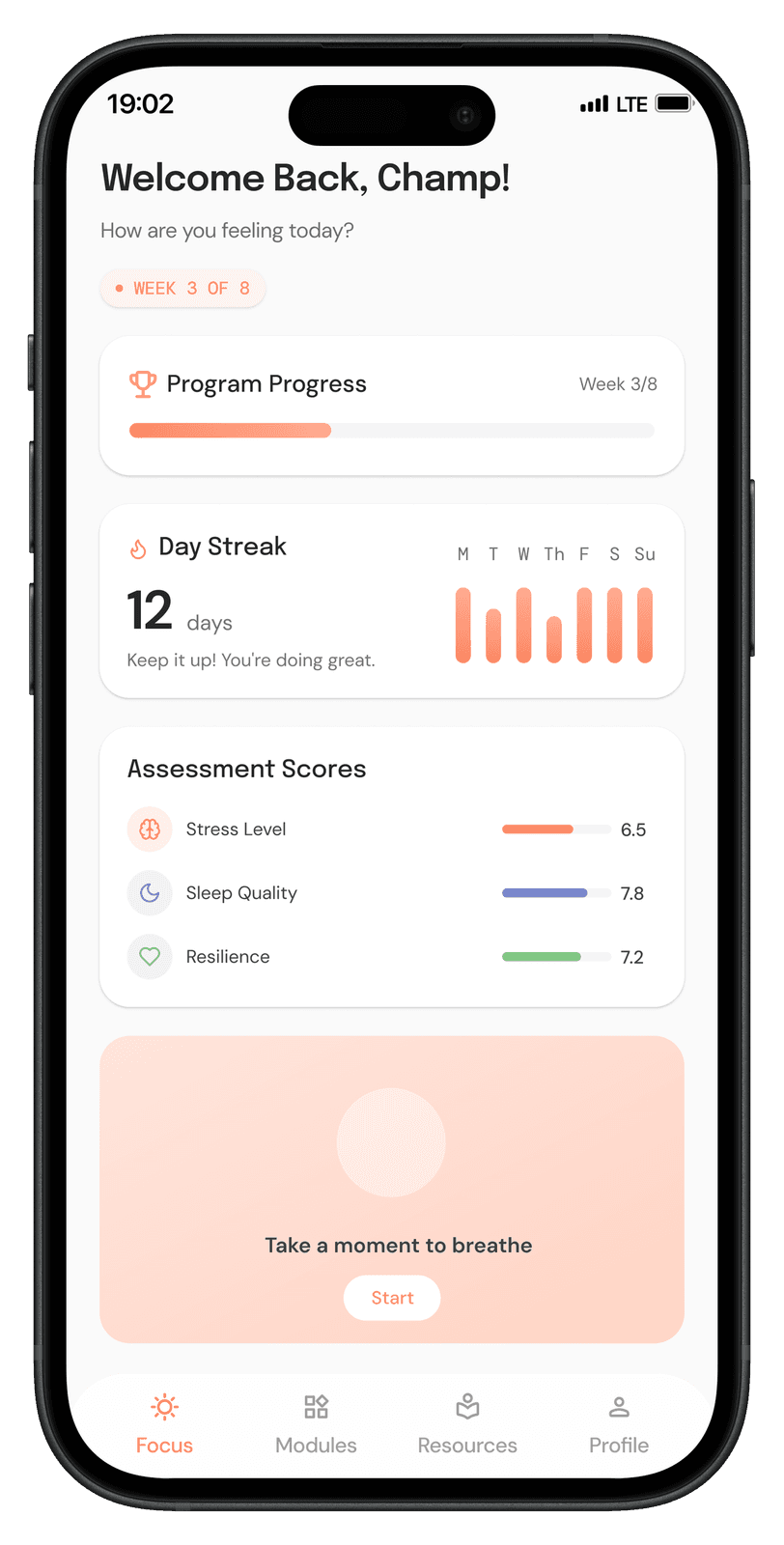
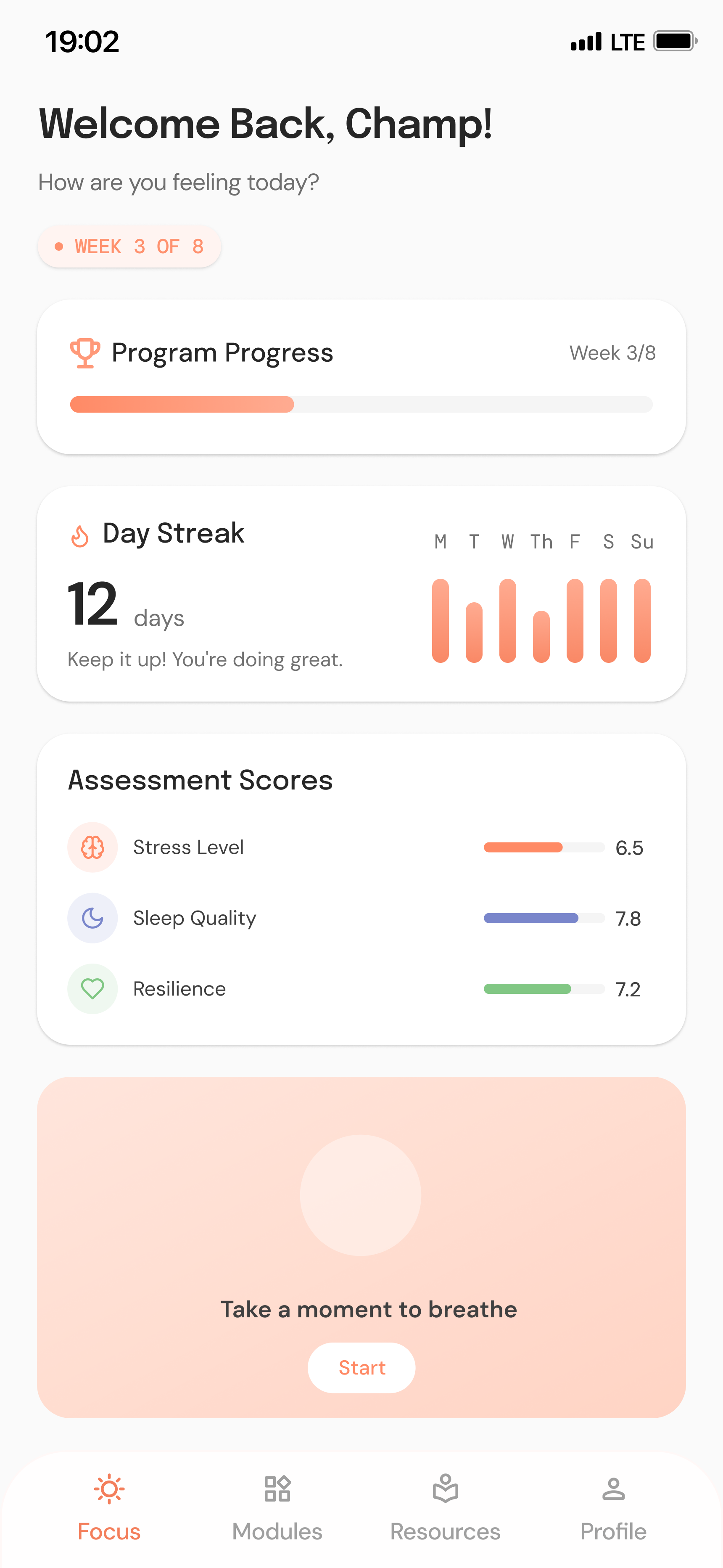
- A dashboard combining progress indicators, activity summaries, and access to relevant content.
- Why it matters
- Returning users instantly see where they are and what they can do next.
- D03
Education in manageable modules
- Problem
- Long-form wellness content is hard to start and easy to abandon.
- Decision
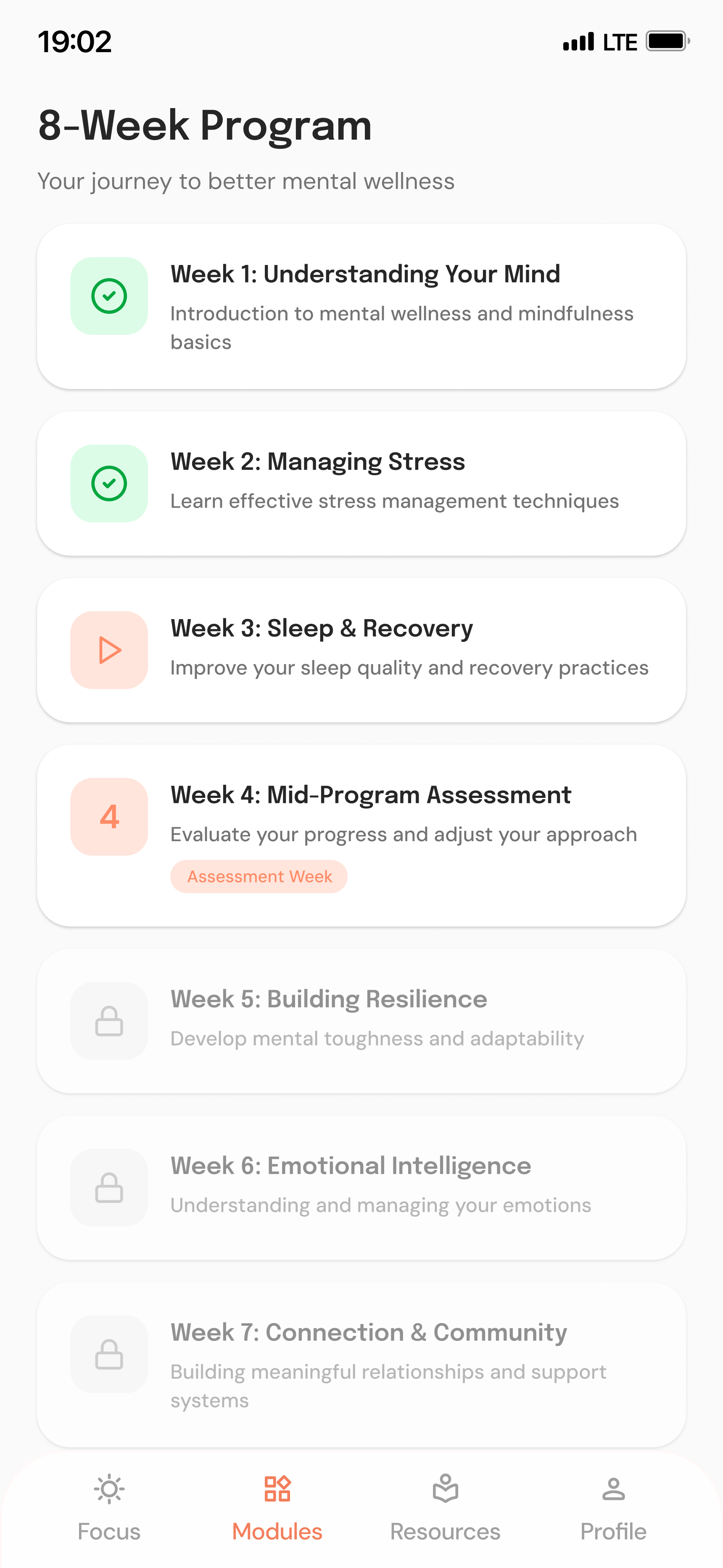
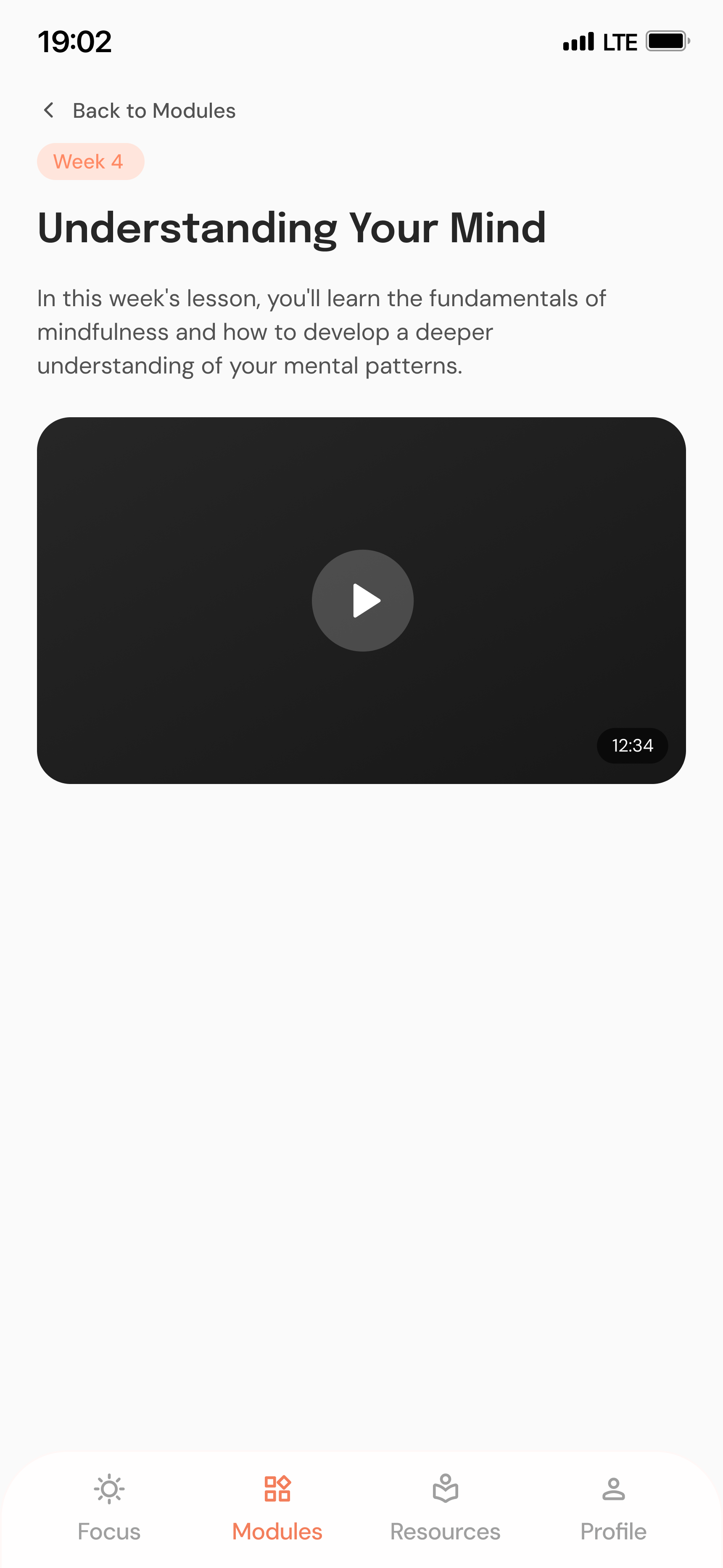
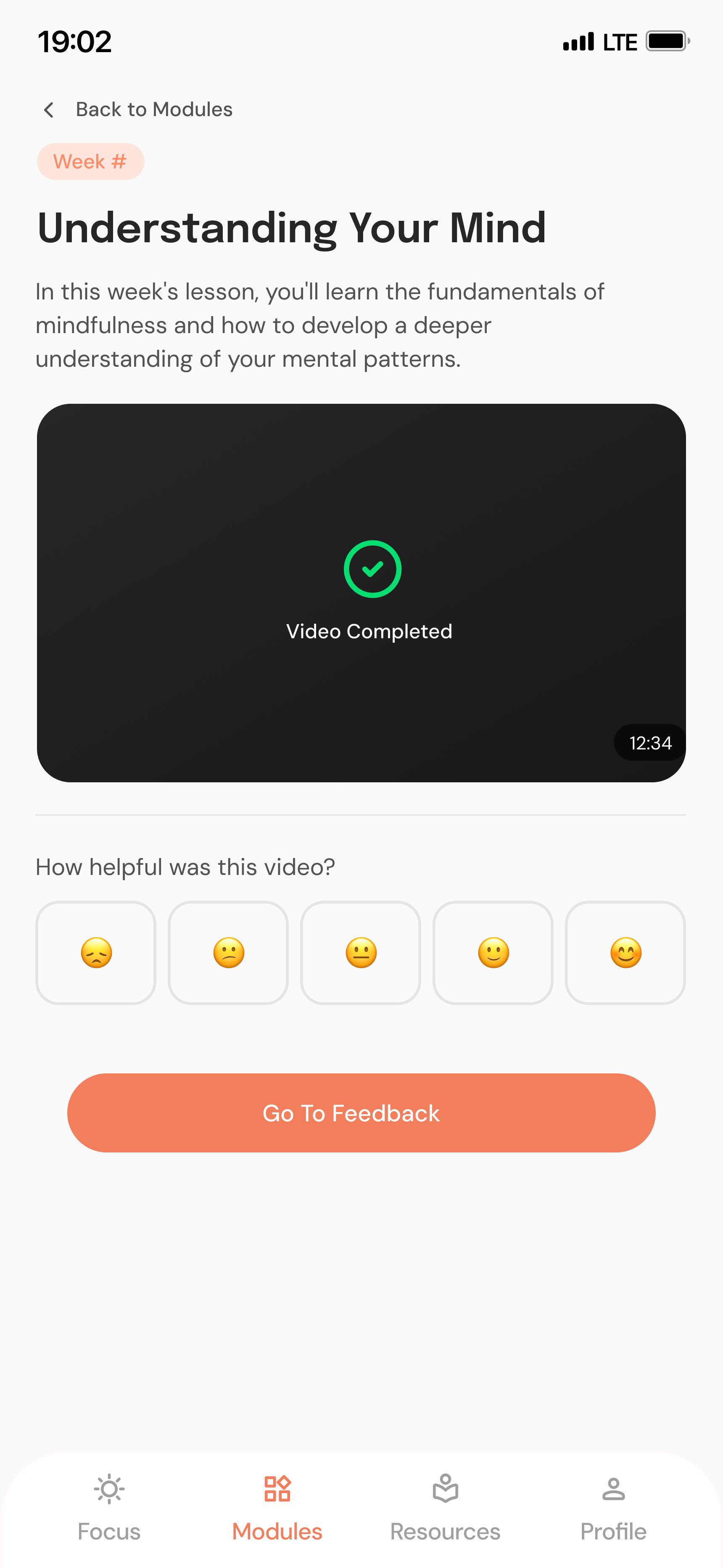
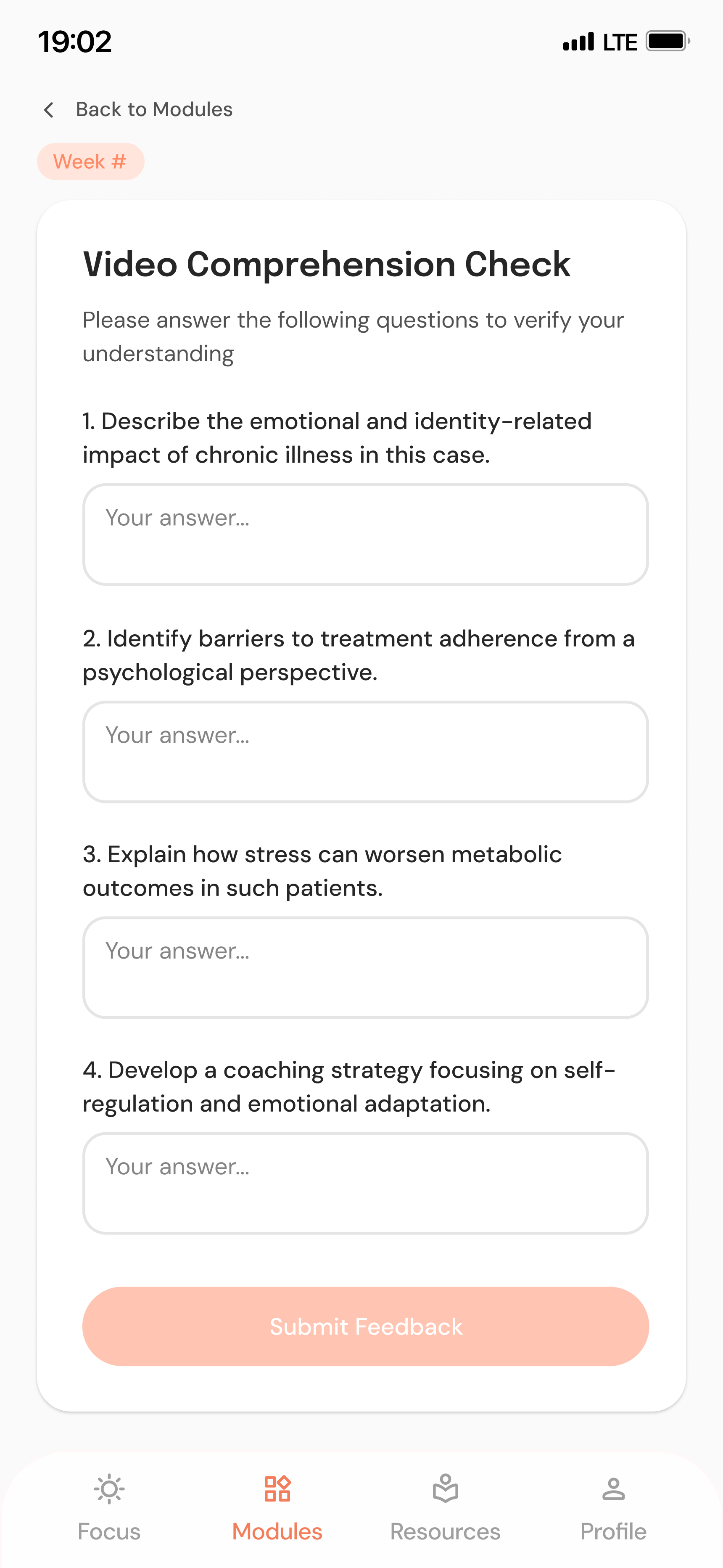
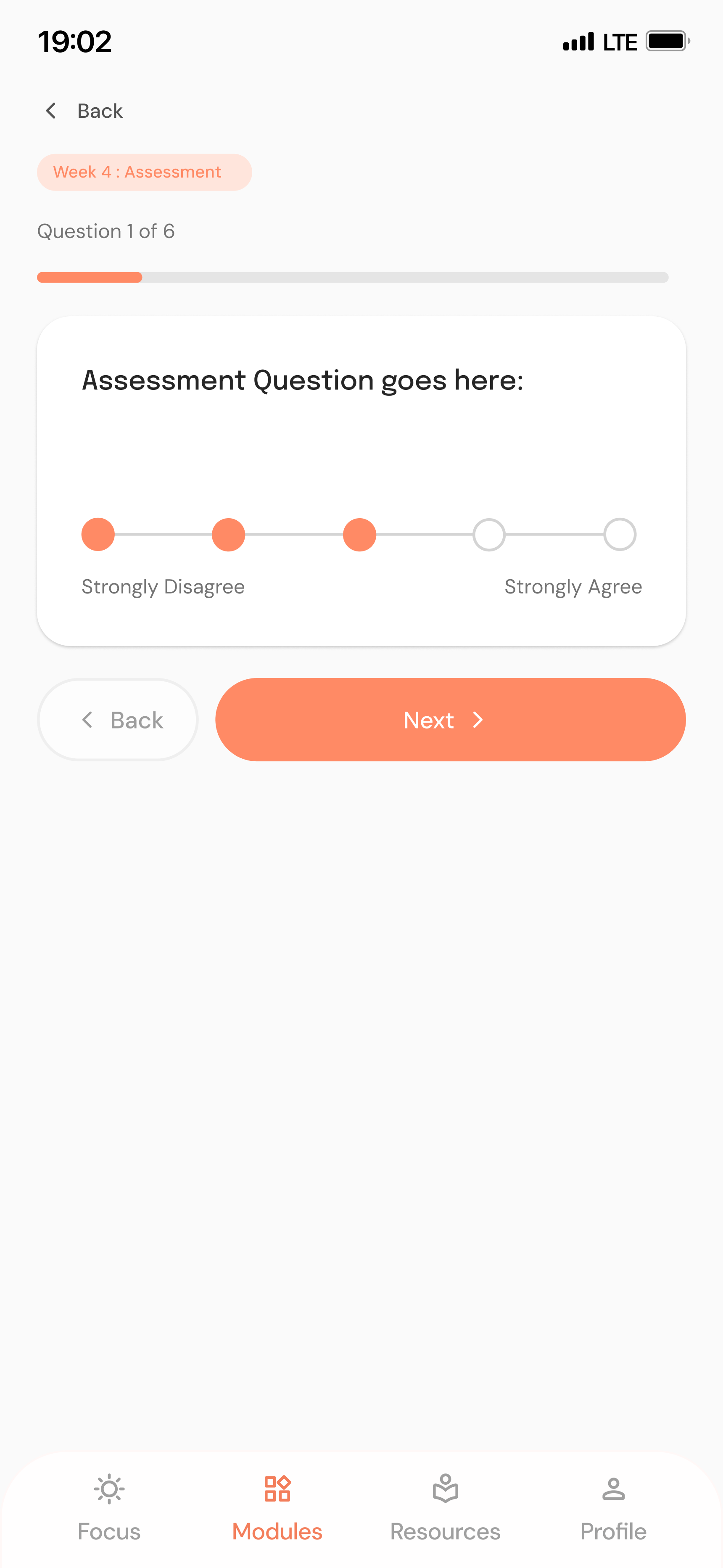
- Modules with guided videos, comprehension checks, and assessments — in a consistent layout with clear CTAs and visible completion states.
- Why it matters
- Smaller activities make learning approachable and create natural moments for reflection.
- D04
A consistent, supportive interface
- Problem
- Inconsistent patterns add learning cost in an app meant to reduce stress.
- Decision
- A restrained visual language — soft coral accents, clear typography, and reusable components with consistent conventions.
- Why it matters
- A predictable interface lets users focus on their wellbeing, not the UI.
05 — Final experience
One connected journey, from onboarding to everyday use
01
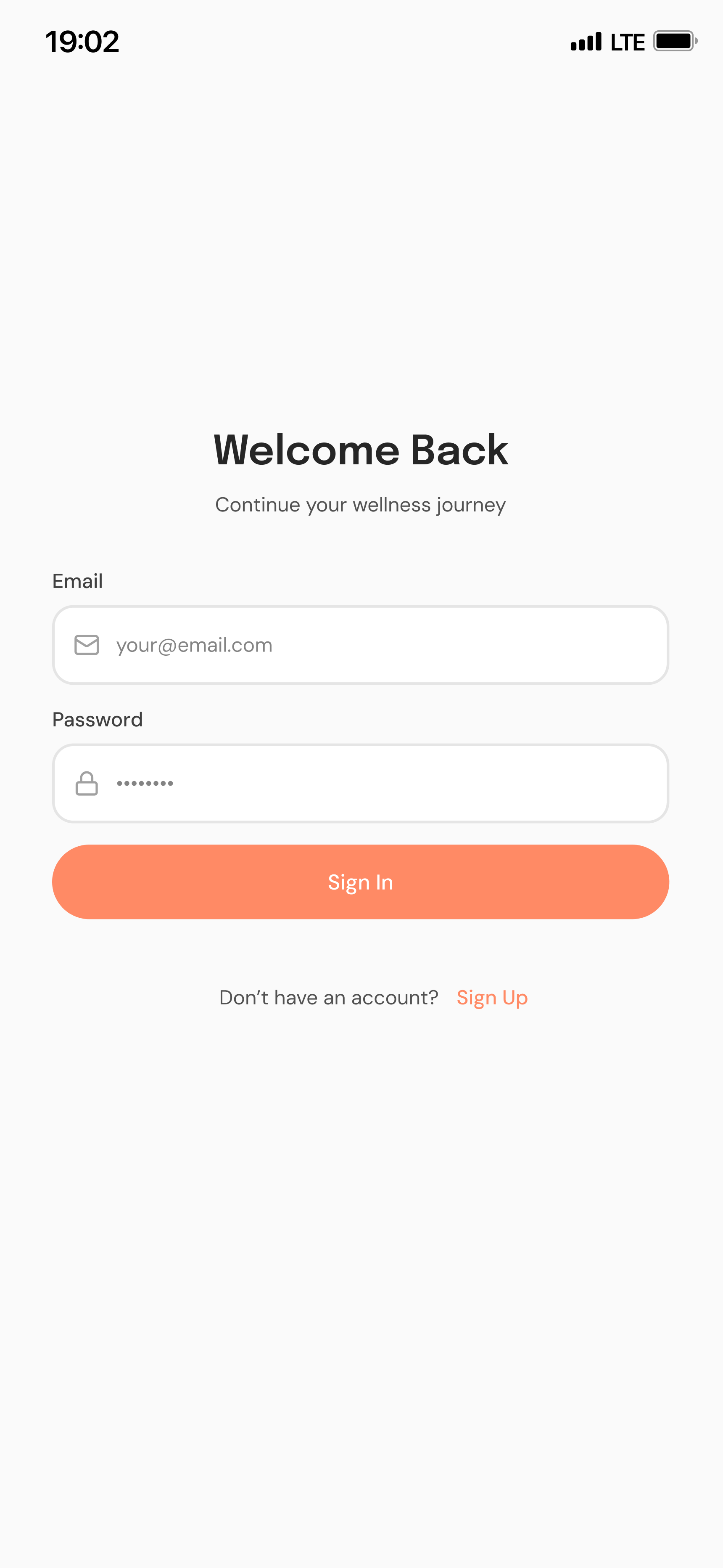
Personalised onboarding
Introduces the app, captures initial information, and explains the available wellness features.
02
Progress-focused home
Activity summaries, progress indicators, and quick access to ongoing activities.
03
Structured learning
Video lessons, comprehension checks, and assessments that support real engagement.
Micro-interactions — an onboarding animation and a guided breathing exercise users can follow to relax — add warmth without turning wellness into a game.

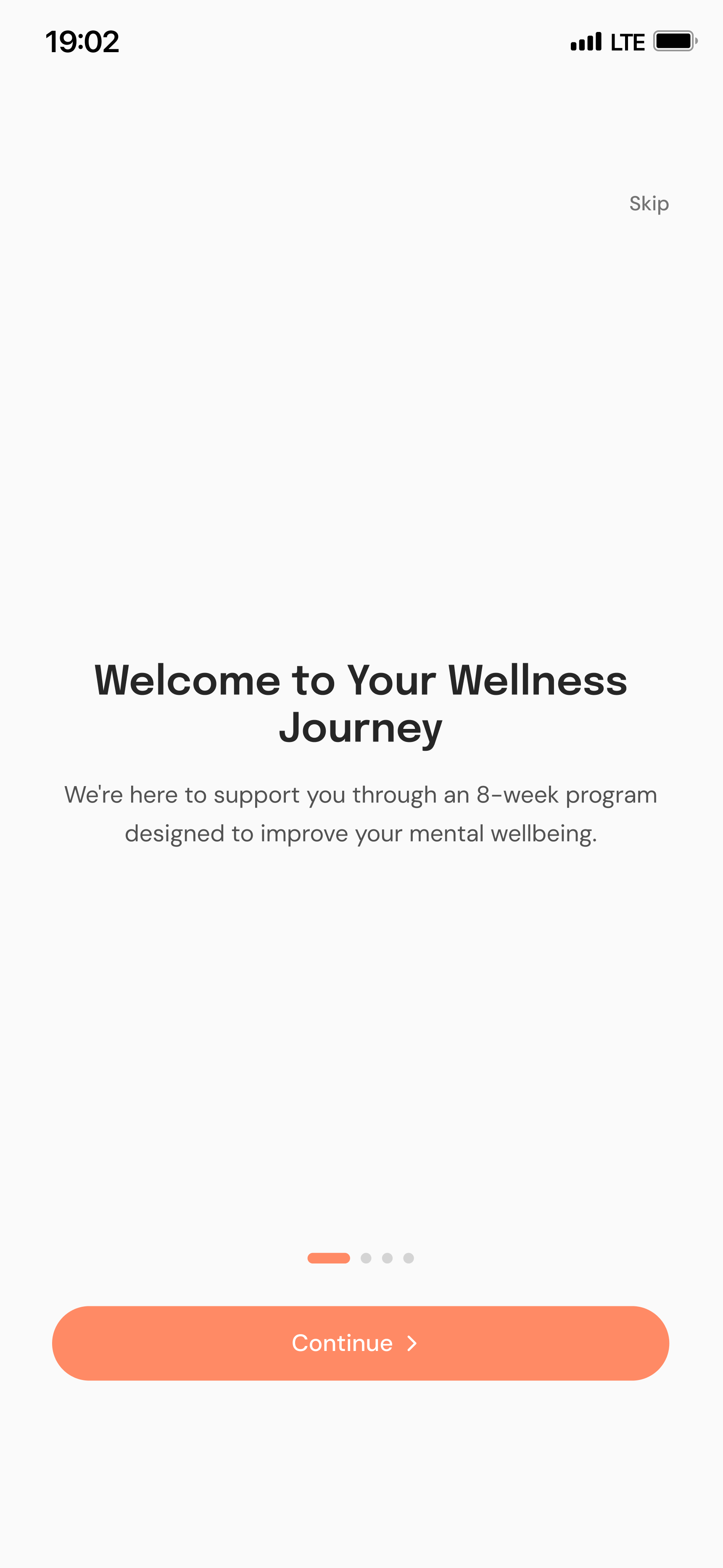
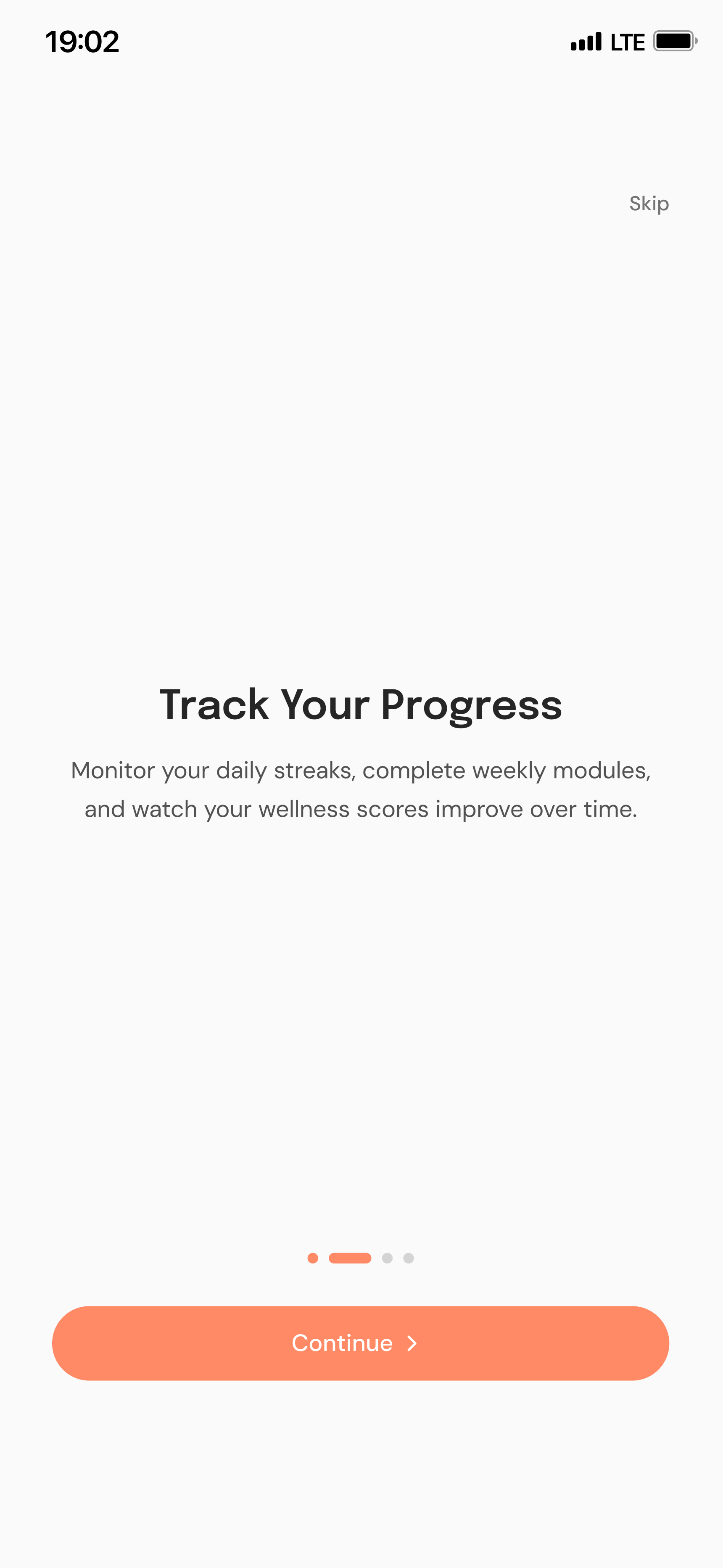
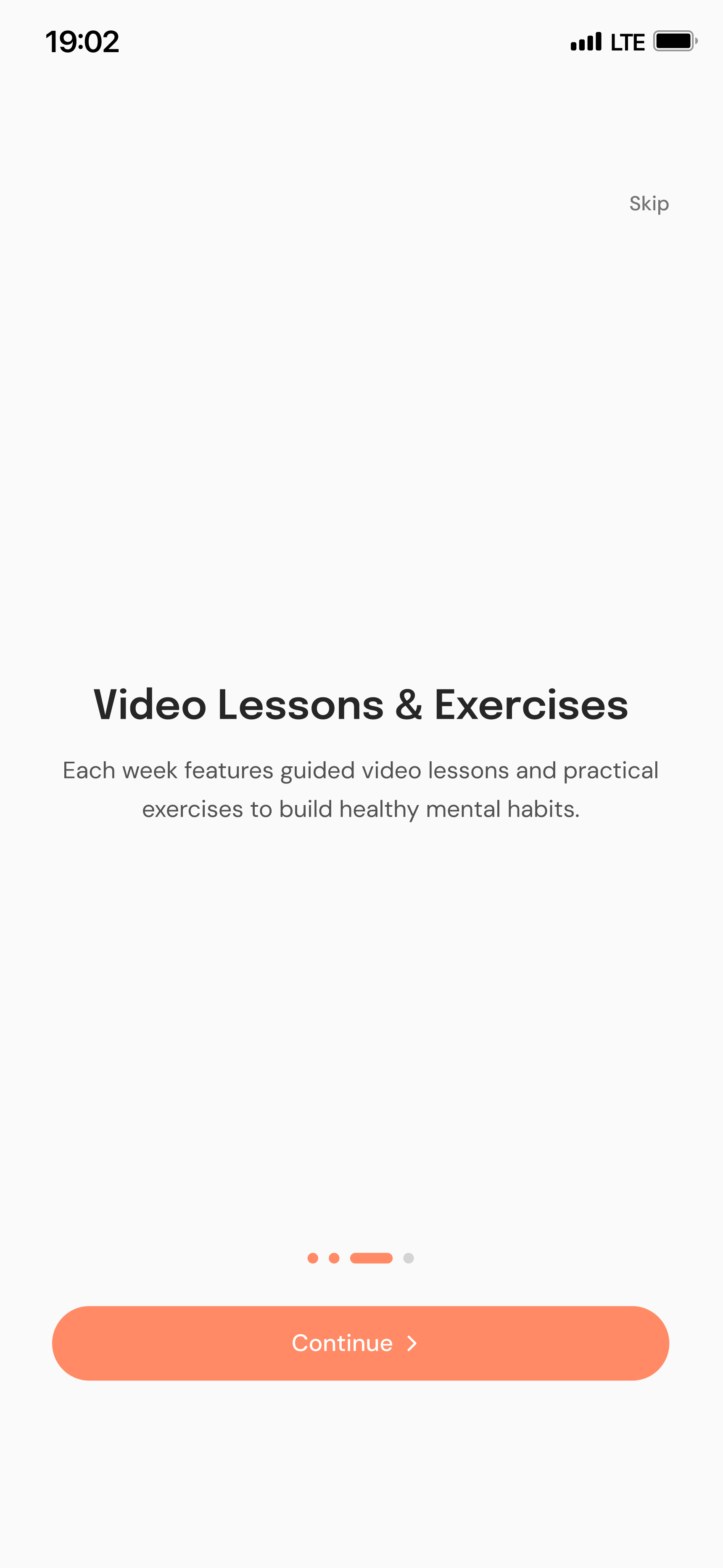
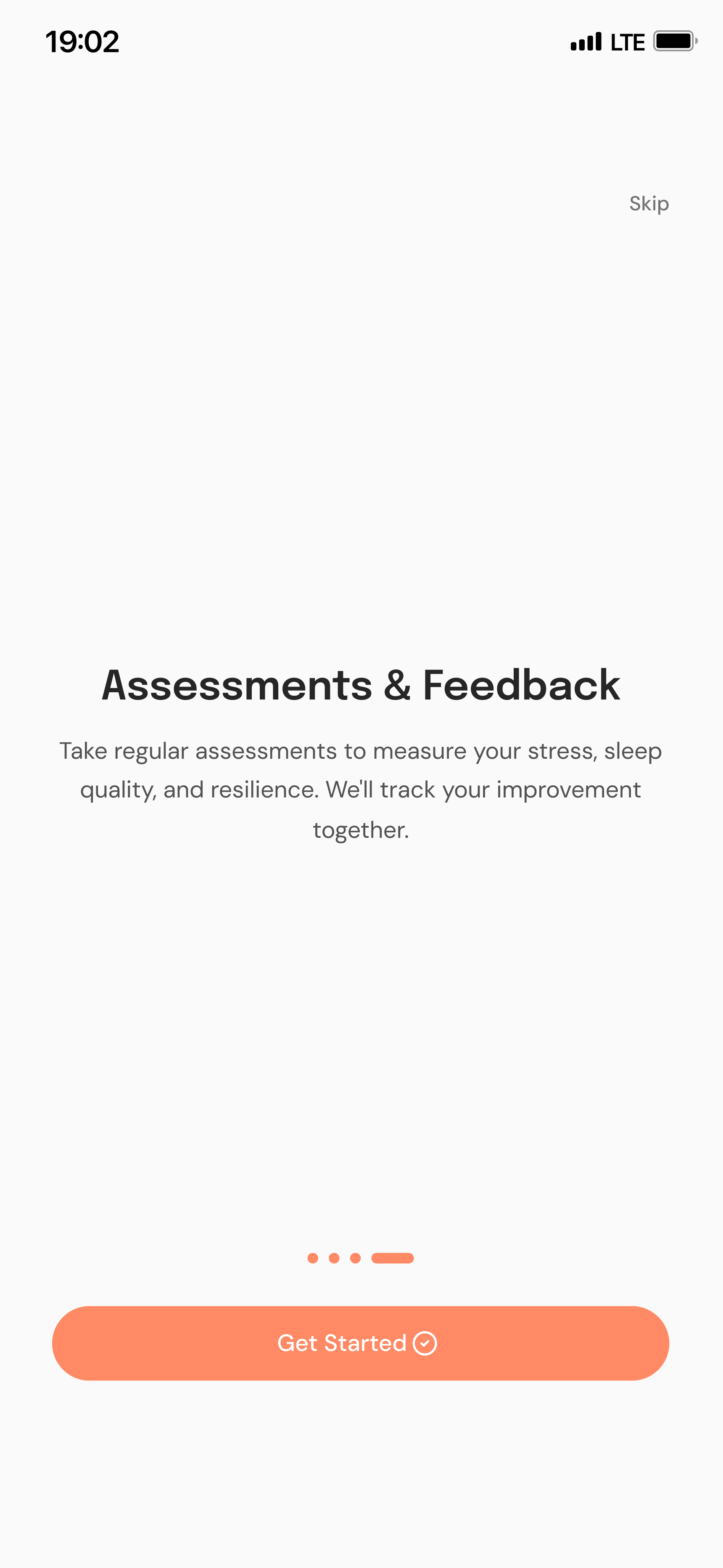
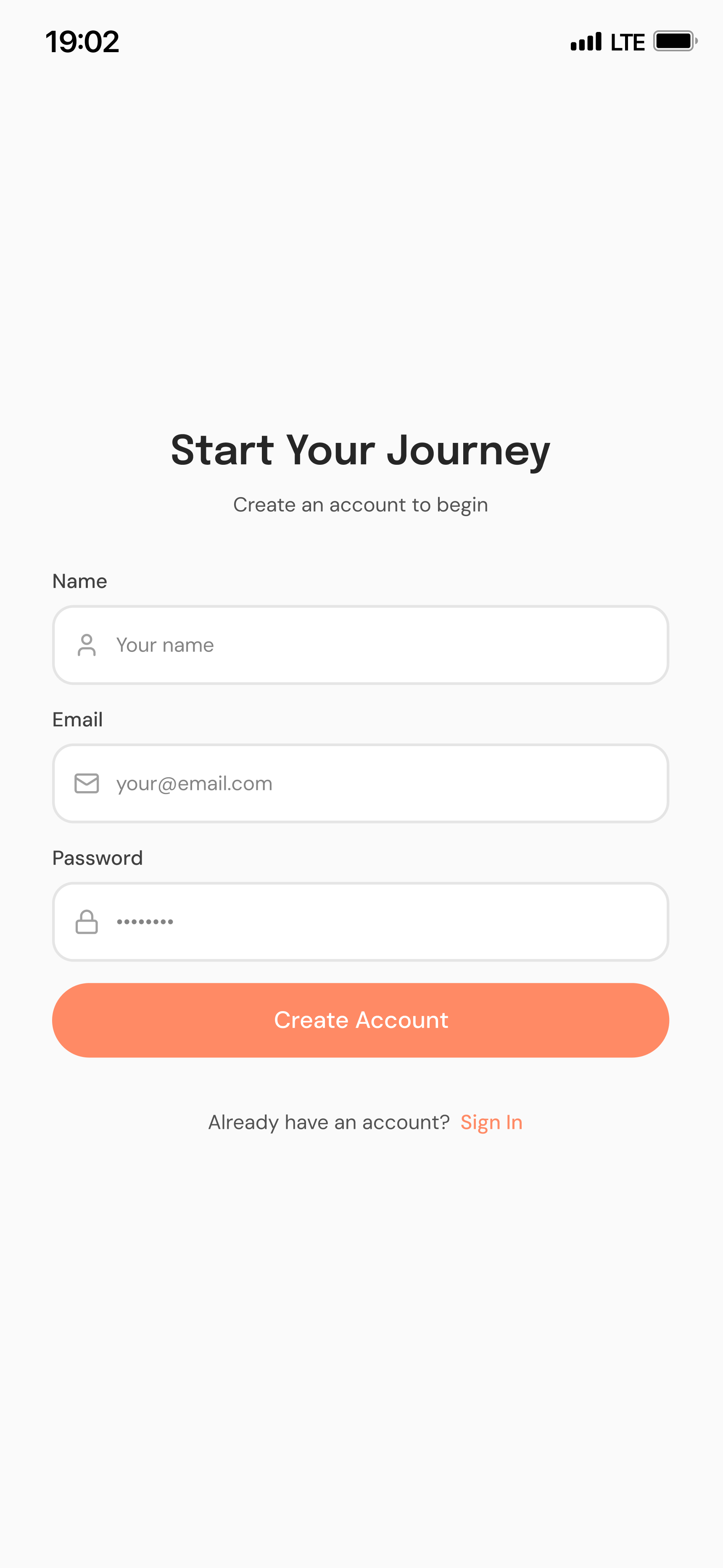
Micro-interactions in motion
06 — Outcome & reflection
From concept to a shipped product in real-world care
Shipped product
Went beyond prototypes into real-world patient use through a private launch.
End-to-end ownership
Independently defined the IA, user flows, UX writing, and interaction patterns.
Cross-disciplinary collaboration
Worked directly with a licensed psychologist to turn expert content into an accessible experience.
Consistent product experience
Established reusable interface patterns across every core feature.
What I learned
The most valuable lesson was translating specialised domain knowledge into an approachable experience without oversimplifying it. In wellness products, simplicity, clarity, and autonomy have to be balanced — not traded off.
- Next, I’d measure onboarding completion and first-lesson start rate.
- Next, I’d track lesson engagement and how easily patients resume activities.